Last updated: May 10, 2026
Quick Answer
Replit is a browser-based integrated development environment (IDE) that combines a code editor, AI coding agent, hosting, databases, and deployment into a single platform. It requires zero local setup and supports over 50 programming languages. As of 2026, Replit serves more than 50 million users, including 85% of Fortune 500 companies, and recently secured a $400 million Series D at a $9 billion valuation [2][6].
Key Takeaways
- Replit runs entirely in your browser — no downloads, no local environment configuration, no DevOps overhead.
- Agent 4, launched March 2026, is Replit’s fastest AI coding agent, supporting parallel tasks and branching workflows [2][6].
- Security Center 2.0 (May 2026) allows bulk vulnerability remediation across all your apps with severity-based filtering [1][2].
- The platform won Google Cloud’s 2026 AI Tooling Partner of the Year Award [2].
- Pricing uses a credit-based model; G2 reviewers praise ease of use but flag unexpected costs from high credit consumption.
- Auto-Protect automatically patches known CVEs in your dependencies without manual intervention [3][2].
- Private Publishing is now available on all paid plans, not just Pro/Enterprise [1][2].
- Replit is best suited for prototyping, education, solo developers, and small teams. It’s less ideal for large-scale multi-file refactors or enterprise monoliths.
What Is Replit and Why Does It Matter in 2026?
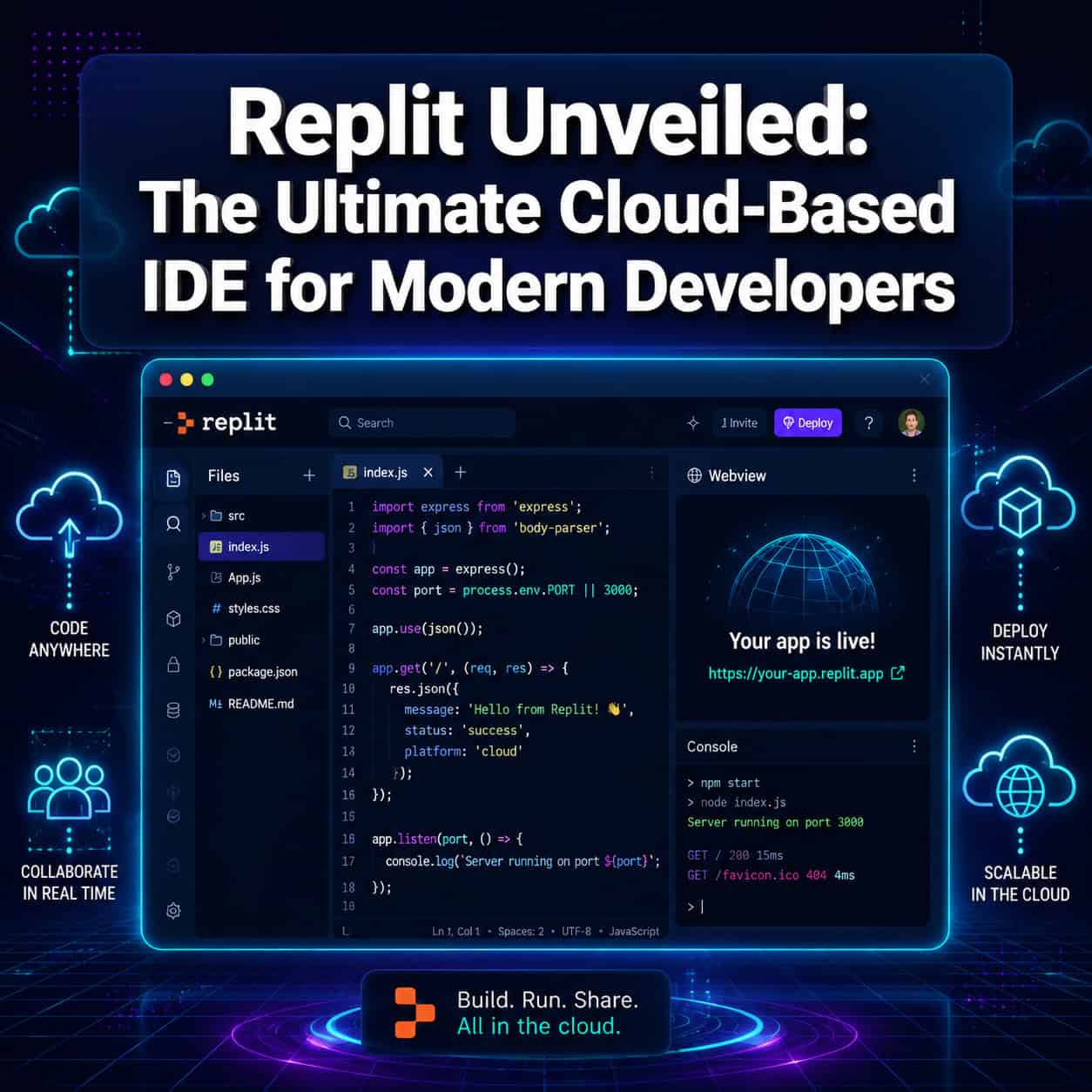
Replit is a cloud-based IDE founded in 2016 by Amjad Masad. It lets you write, run, and deploy code from any device with a browser. No terminal setup, no dependency nightmares, no server provisioning.
What makes Replit different from traditional IDEs like VS Code or JetBrains is its all-in-one approach. As Till Freitag noted in March 2026, Replit is “the only platform combining code editor, AI agent, hosting, database, and deployment in one browser tab [7]. That single-tab workflow eliminates the friction of juggling multiple tools, services, and configurations.
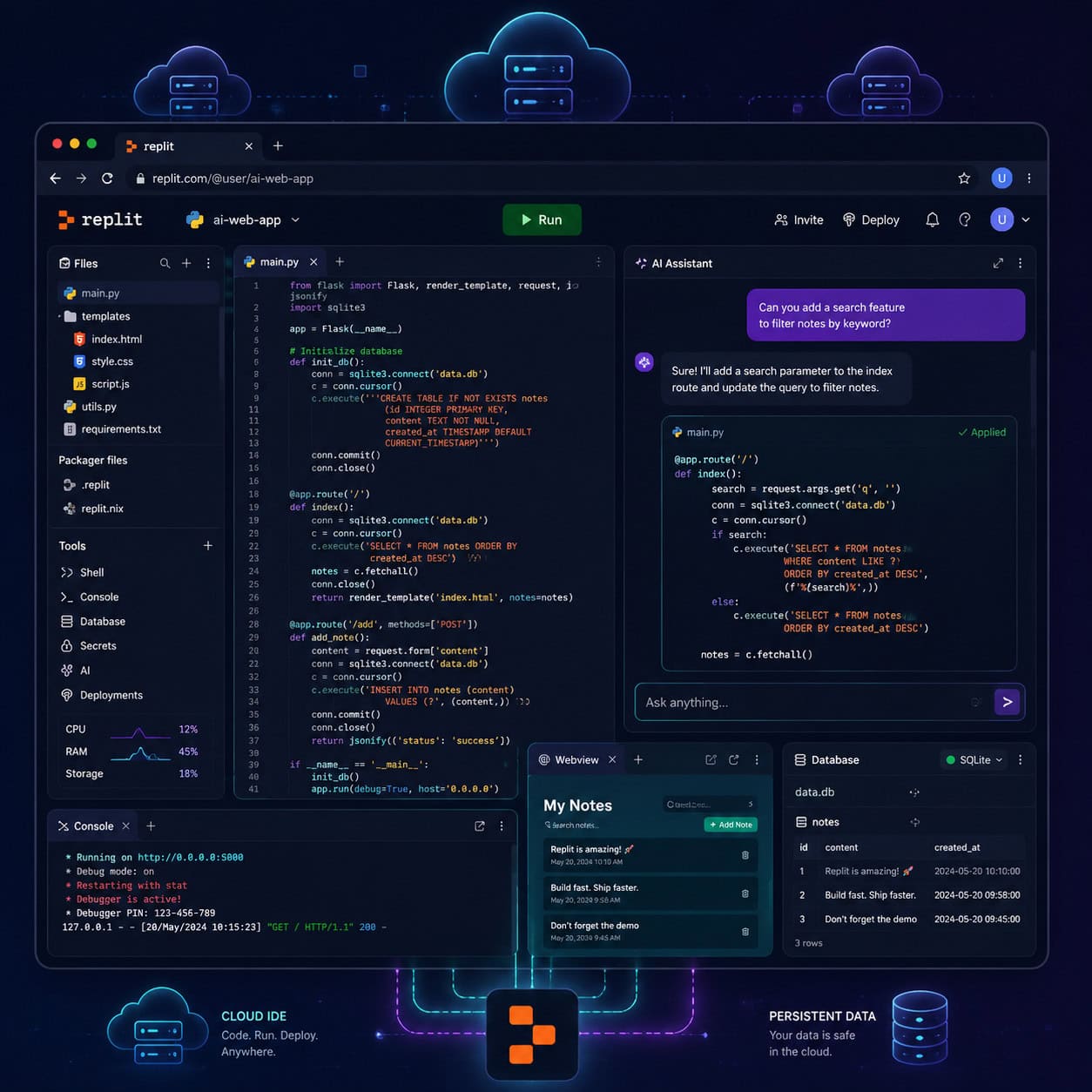
For developers who want to go from idea to deployed app without touching infrastructure, Replit is the most direct path available in 2026. If you’re exploring other ways to build without heavy coding, our guide to no-coding website design software platforms covers complementary options.
Choose Replit if: You want to prototype fast, teach coding, or ship small-to-medium apps without managing servers.
Skip Replit if: You’re running a large monorepo, need granular CI/CD pipelines, or require HIPAA compliance (Replit does not currently hold HIPAA certification) [10].
How Does Replit Unveiled: The Ultimate Cloud-Based IDE for Modern Developers Handle AI-Powered Coding?
Replit’s AI capabilities are its biggest differentiator in 2026. Agent 4, launched on March 11, 2026, is the platform’s fastest AI coding agent and supports parallel task execution, branching workflows, and enhanced creative output for production-ready applications [2][6].
Here’s what Agent 4 can do:
- Parallel tasks: Work on multiple parts of your app simultaneously instead of sequential, one-at-a-time generation.
- Branching: Create alternative approaches to a problem and compare results before committing.
- Full app generation: Describe what you want in plain English, and Agent 4 scaffolds the project, writes code, and deploys it.
- Diagnostics: When something breaks, the agent can analyze errors and suggest fixes in context.
Atal Upadhyay described the Agent 4 launch as a fundamental shift, noting that Replit’s $400 million Series D at a $9 billion valuation (tripling in six months) reflects investor confidence in this AI-first direction [6].
Common mistake: Relying on Agent for complex multi-file refactors. Capterra and community reviews consistently flag that the AI agent can struggle with large, interconnected codebases. For smaller projects and prototypes, it works well. For production refactoring, review every change carefully.
If you’re interested in how AI is reshaping other development workflows, see our overview of AI-powered content generation tools.
What Security Features Does Replit Offer?
Replit made security a major focus in spring 2026 with three significant launches.

Security Center 2.0 (May 7, 2026)
This dashboard lets you review and fix vulnerabilities across all your Replit apps in one place. You can search by severity level, apply bulk remediation, and auto-publish fixes through Agent [1][2].
Security Agent (April 20, 2026)
Powered by Semgrep and HoundDog.ai, the Security Agent performs full codebase reviews in under an hour. It scans for common vulnerabilities, secrets exposure, and code quality issues. Semgrep’s Daghan Atlas publicly praised the integration [2].
Auto-Protect (April 22-29, 2026)
Auto-Protect automatically patches known CVEs (Common Vulnerabilities and Exposures) in your project dependencies. No manual review needed for known fixes — the system handles it [3][2].
App Monitoring
Launched alongside Auto-Protect, App Monitoring provides real-time uptime alerts. When your deployed app goes down, Agent diagnostics kick in to help identify the root cause [3][2].
Edge case: Private deployments now support External Access Tokens (launched April 29, 2026), which let services like Slack and GitHub securely connect to your private Replit apps [2][1].
Who Is Replit Best For (and Not For)?
| User Type | Fit | Why |
|---|---|---|
| Students and beginners | Excellent | Zero setup, free tier, instant feedback loop |
| Solo developers / indie hackers | Excellent | Full stack in one tab, fast deployment |
| Educators and bootcamps | Excellent | Shared workspaces, real-time collaboration |
| Small teams (2-10 people) | Good | Team plans with multiplayer editing |
| Enterprise teams (50+ devs) | Mixed | Lacks advanced CI/CD, monorepo support is limited |
| Healthcare / regulated industries | Poor | No HIPAA compliance as of 2026 [10] |
Replit also recently introduced an industry research AI feature that pulls competitor analysis data from sources like G2 and Gartner, which is useful for product teams doing market validation [2].
For teams already using design-to-code workflows, you might find value in pairing Replit with tools covered in our Figma to code plugin guide.
How Does Replit Unveiled: The Ultimate Cloud-Based IDE for Modern Developers Compare on Pricing?
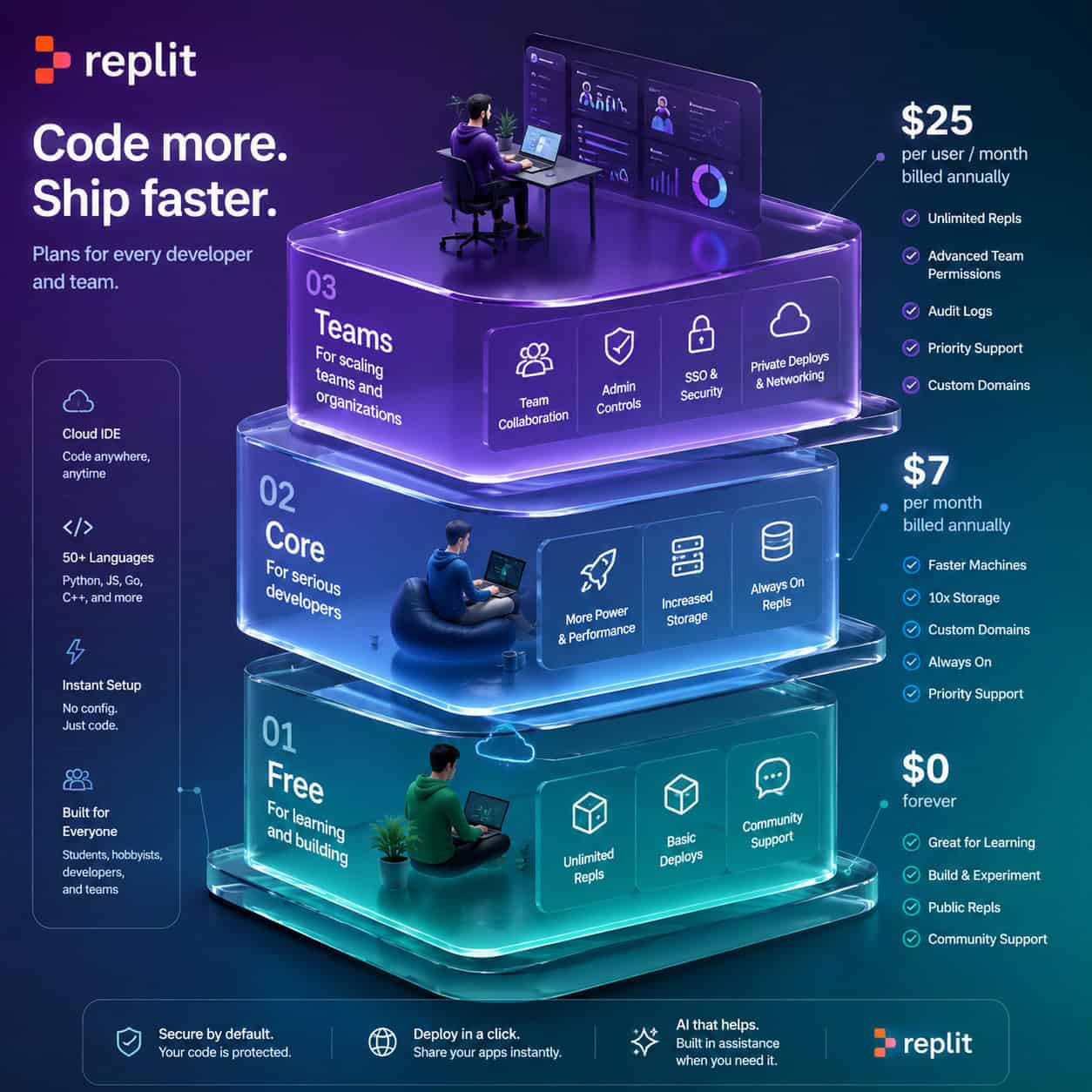
Replit uses a credit-based pricing model. Every computation — running code, deploying apps, using AI features — consumes credits.
| Plan | Monthly Cost | Key Inclusions |
|---|---|---|
| Free | $0 | Basic editor, limited compute, community features |
| Starter | ~$9/month | More compute credits, Private Publishing, External Access Tokens |
| Core | ~$20/month | Higher credit allocation, priority AI access, advanced deployments |
| Teams | Custom pricing | Admin controls, team management, shared billing |
The credit consumption problem: G2 reviews from April 2026 consistently praise Replit’s ease of use and AI productivity but criticize the credit model. Heavy AI agent usage can burn through credits quickly, leading to unexpected costs. Monitor your usage dashboard regularly, and consider setting credit alerts if you’re on a budget.
Private Publishing, previously restricted to Pro and Enterprise users, became available to Core and Starter plans on April 29, 2026 [2][1]. This is a meaningful change for solo developers who want to keep their apps private without paying enterprise rates.
What Are the Pros and Cons of Using Replit?
Pros
- Zero configuration: Open a browser, start coding. No local installs.
- AI-first workflow: Agent 4 accelerates prototyping and small project development significantly.
- All-in-one platform: Editor, hosting, database, deployment, and AI in a single environment [7].
- 50+ languages supported: Python, JavaScript, TypeScript, Go, Rust, and more.
- Strong community: Over 50 million users, active template marketplace [2].
- Award-winning: 2026 Google Cloud AI Tooling Partner of the Year [2].
Cons
- Credit costs add up: AI-heavy usage can get expensive fast.
- Agent reliability on complex tasks: Multi-file refactors and large codebases can produce inconsistent results.
- Limited enterprise tooling: No advanced CI/CD, limited monorepo support.
- No HIPAA compliance: Not suitable for healthcare data [10].
- Performance ceiling: Compute resources are shared cloud instances, not dedicated hardware.
Community reviews on Capterra average 4.3-4.6 stars, with speed and accessibility as top positives and the credit model as the most common complaint.
How to Get Started with Replit: A Quick Checklist
- Sign up at replit.com using Google, GitHub, or email.
- Choose a template or start from scratch (Python, Node.js, React, etc.).
- Write code in the browser-based editor with syntax highlighting and autocomplete.
- Use Agent to generate boilerplate, debug errors, or scaffold entire features.
- Test live using the built-in preview pane — no separate server needed.
- Deploy with one click to a Replit-hosted URL.
- Monitor using App Monitoring for uptime alerts and diagnostics [3].
- Secure your app with Security Center 2.0 and Auto-Protect [1][2].
If you’re building a web project and want to pair Replit with a design tool, our Figma for beginners guide covers the design side of the workflow. And for those integrating AI into existing WordPress sites, check out our list of AI plugins for WordPress.
Conclusion
Replit in 2026 is the most complete browser-based development environment available. The combination of Agent 4’s AI capabilities, Security Center 2.0, Auto-Protect, and one-click deployment makes it a strong choice for students, solo developers, and small teams who want to ship fast without managing infrastructure.
That said, it’s not a universal solution. Enterprise teams with complex CI/CD needs, regulated industries requiring HIPAA compliance, and developers working on large monorepos will find limitations. And the credit-based pricing model demands careful monitoring.
Your next steps:
- Create a free Replit account and build a small project to test the workflow.
- Try Agent 4 on a prototype — describe your app in plain English and see what it generates.
- Set credit usage alerts before upgrading to a paid plan.
- Run Security Center 2.0 on any existing Replit projects to catch vulnerabilities.
- Explore our AI website creator guide for complementary no-code building approaches.
FAQ
Is Replit free to use? Yes. Replit offers a free tier with basic editor access and limited compute. Paid plans start around $9/month for additional credits and features [1].
What programming languages does Replit support? Over 50 languages, including Python, JavaScript, TypeScript, Go, Rust, Java, C++, Ruby, and more.
Can I deploy production apps on Replit? Yes. Replit provides one-click deployment with custom domains, App Monitoring, and Auto-Protect for dependency patching [3][2].
Is Replit HIPAA compliant? No. As of 2026, Replit does not hold HIPAA certification and is not suitable for handling protected health information [10].
What is Replit Agent 4? Agent 4 is Replit’s AI coding assistant launched March 11, 2026. It supports parallel task execution, branching, and can generate full applications from natural language descriptions [2][6].
How does Replit’s pricing work? Replit uses a credit-based system. Running code, deploying apps, and using AI features consume credits. Plans range from free to custom enterprise pricing [1].
Can teams collaborate on Replit? Yes. Replit supports real-time multiplayer editing, shared workspaces, and team billing on its Teams plan.
What is Security Center 2.0? A dashboard launched May 7, 2026, that lets you review and bulk-fix vulnerabilities across all your Replit apps, with severity filtering and Agent-powered auto-fixes [1][2].
Does Replit work offline? No. Replit requires an internet connection because all computation happens on cloud servers.
How does Replit compare to VS Code? VS Code is a local editor (or remote via browser) with extensive extensions. Replit is an all-in-one cloud platform with built-in hosting, databases, and AI. Choose VS Code for maximum customization; choose Replit for zero-setup speed.
References
[1] Changelog – https://docs.replit.com/updates/2026/05/08/changelog [2] Replit – https://releasebot.io/updates/replit [3] Changelog – https://docs.replit.com/updates/2026/05/01/changelog [6] Replit Agent 4 Replit Just Changed Everything – https://atalupadhyay.wordpress.com/2026/03/19/replit-agent-4-replit-just-changed-everything/ [7] Replit 2026 Platform En – https://till-freitag.com/blog/replit-2026-platform-en [10] Is Replit.com Hipaa Compliant 2025 Update – https://www.paubox.com/blog/is-replit.com-hipaa-compliant-2025-update


