Last updated: May 1, 2026
Quick Answer
No-code AI website builders let anyone create a professional, fully functional website by answering a few questions or typing a plain-language prompt — no coding skills required. In 2026, top platforms like Wix ADI, Hostinger, Butternut AI, and Framer can generate complete, SEO-ready sites in minutes, with plans starting as low as free and scaling to around $30/month. This guide covers how they work, which platform fits your situation, and how to get the best results.
Key Takeaways
- 🤖 AI does the heavy lifting: Modern builders generate layouts, write copy, select images, and configure SEO automatically from a short description.
- 💰 Cost is no longer a barrier: Plans range from free to ~$30/month, compared to thousands for a custom-built site.
- ⚡ Speed is real: Some platforms (like Butternut AI) produce a complete multi-page site in under 60 seconds. [1]
- 📱 Mobile responsiveness is standard: Every leading platform now includes mobile-ready designs as a baseline feature. [1]
- 🎯 Platform choice matters: Wix suits beginners; Webflow and Framer suit design-forward teams; WordPress suits content-heavy sites.
- 📈 The market is growing fast: The global no-code/low-code platform market was valued at $28.11 billion in 2024 and projected to reach $35.86 billion in 2025. [2]
- 🔍 SEO is built in: Leading platforms include meta tags, sitemaps, and analytics integrations automatically.
- ⚠️ Limitations exist: Complex custom functionality, deep e-commerce logic, and highly unique designs may still need a developer.
What Exactly Is a No-Code AI Website Builder?
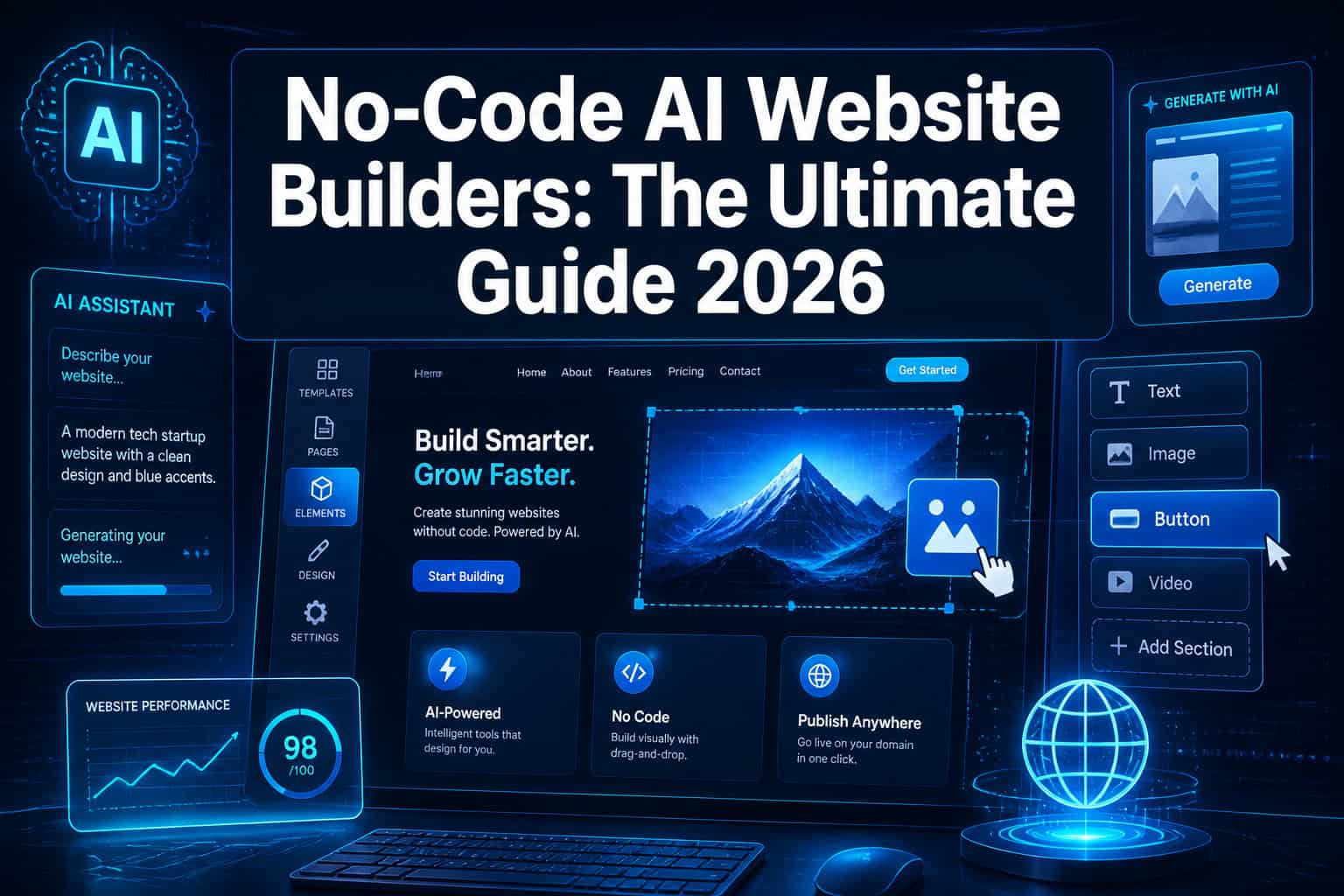
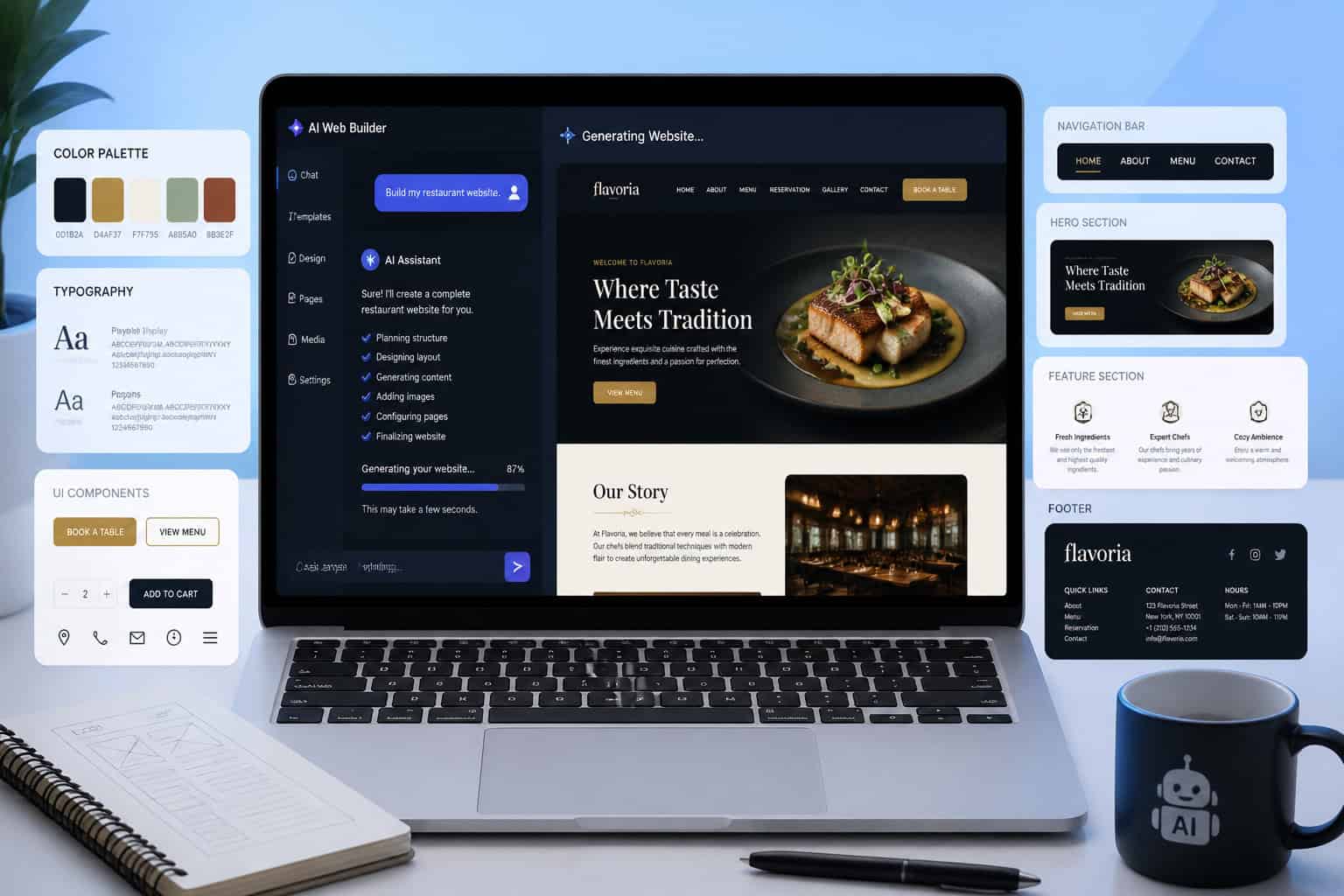
A no-code AI website builder is a platform that combines a visual editor (no coding required) with artificial intelligence to automate design decisions, content creation, and technical setup. You describe what you need — in plain language — and the AI generates a working website.
This is different from older drag-and-drop builders, which required you to manually place every element. With AI, the system interprets your business type, audience, and goals, then makes design choices on your behalf.
Three things make these tools distinct:
- Conversational input — you type or answer questions instead of designing from scratch.
- Automated content generation — the AI writes placeholder (and often usable) copy based on your business description.
- Technical automation — hosting, SSL, mobile optimization, and basic SEO are handled without you touching a settings panel.
For a broader look at platforms in this category, see this overview of the best no-coding website design software platforms for 2026.
Why No-Code AI Builders Are Changing Web Creation in 2026
The global low-code and no-code development platform market grew from $28.11 billion in 2024 to a projected $35.86 billion in 2025, reflecting how quickly businesses are adopting these tools. [2] That growth isn’t accidental.
Here’s what’s actually driving adoption:
- Cost reduction: Hiring a web agency for a custom site can cost $5,000–$50,000+. AI builders bring that down to under $360/year for most small businesses. [1]
- Speed: A founder can go from idea to live website in the same afternoon.
- Skill gap elimination: Non-technical teams — marketing, sales, operations — can manage and update sites without waiting on a developer.
- Competitive intelligence: Several platforms now analyze your industry and competitors to generate content and design choices optimized for your specific market. [1]
Pull quote: “The most significant shift isn’t that AI builds websites faster — it’s that it removes the dependency on technical specialists entirely for most standard use cases.
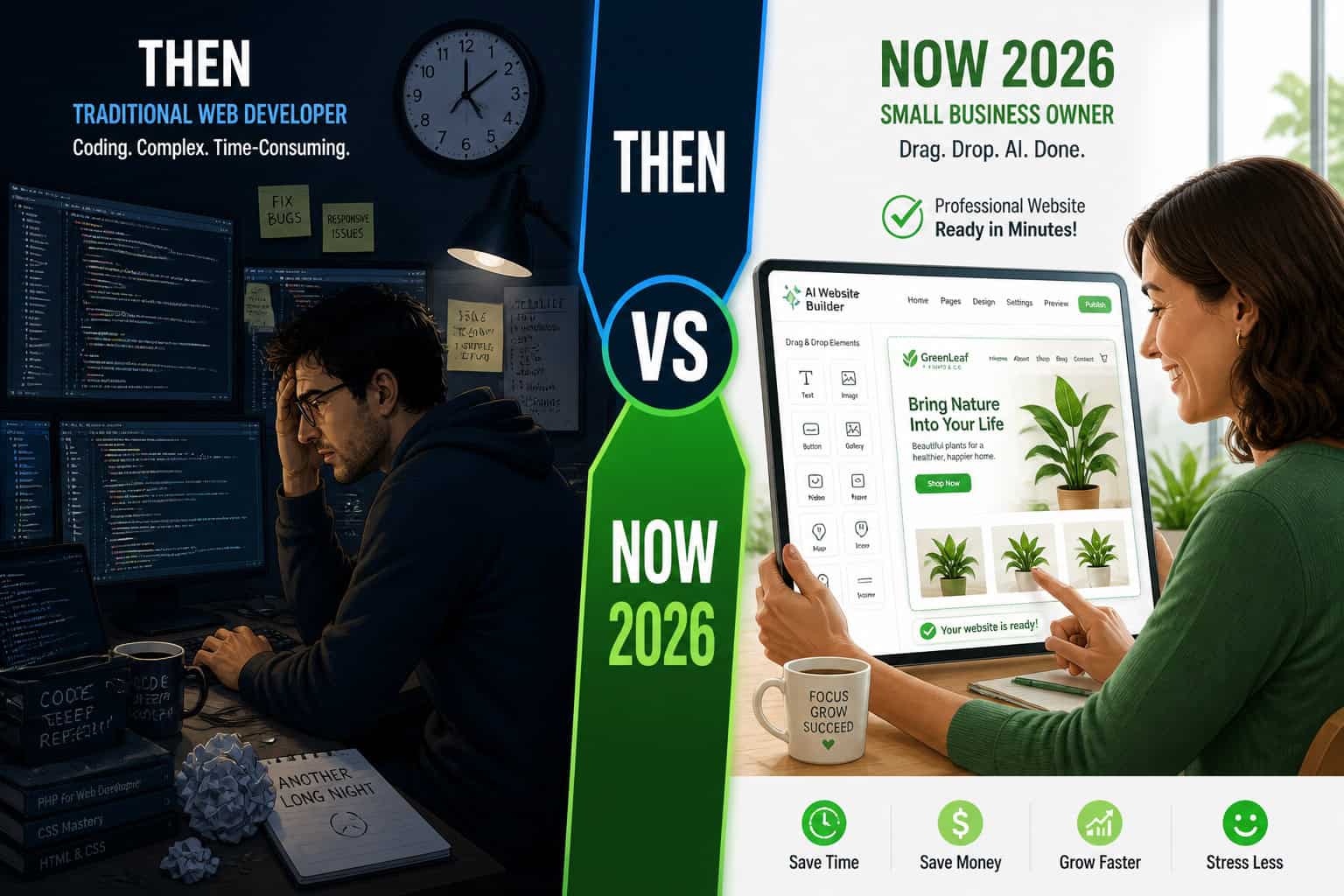
This matters most for solo founders, small business owners, freelancers, and marketing teams who need a professional web presence without the overhead of a development team. If you’re already using WordPress and want to add AI capabilities, check out these AI plugins for WordPress to automate your website management.
How to Revolutionize Your Online Presence: The Ultimate Guide to No-Code AI Website Builders — Platform Comparison
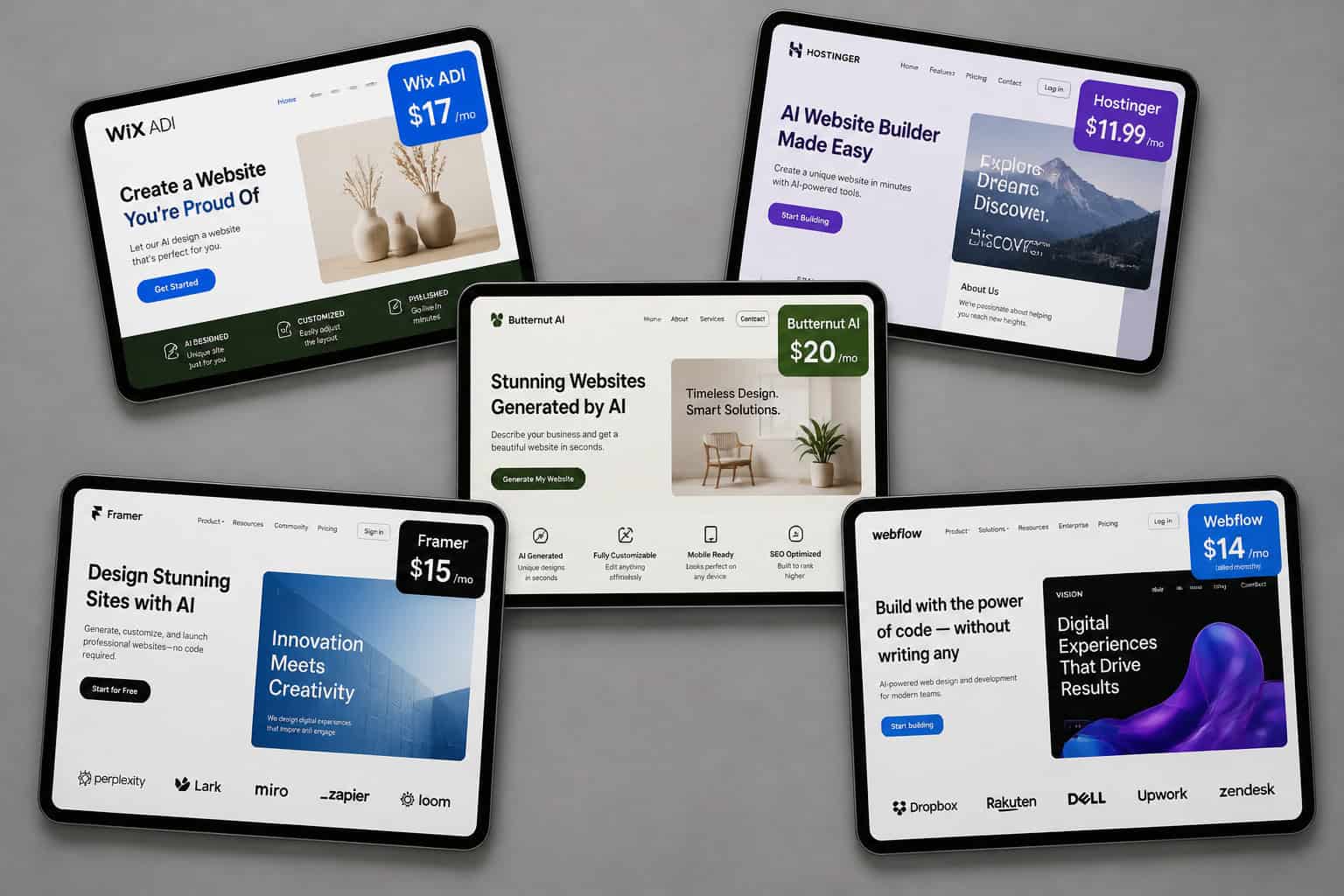
Choosing the right platform is the single most important decision you’ll make. Each tool has a clear strength, and picking the wrong one wastes time.
| Platform | Best For | Starting Price | Key Differentiator |
|---|---|---|---|
| Wix ADI | Beginners, small businesses | Free / ~$17/mo paid | Conversational setup, huge app market |
| Hostinger | Budget-conscious users | ~$3/mo | Question-based onboarding, built-in marketing suite |
| Butternut AI | Speed-first users | Free tier available | Complete site in under 60 seconds [1] |
| Chariot AI | Non-technical founders | Free tier available | Chat-first, handles all infrastructure [1] |
| Webflow | Design-forward agencies | ~$14/mo | Professional CMS, custom animations |
| Framer | Brand-focused marketers | Free / ~$10/mo | Motion design, AI content, premium aesthetics |
| WordPress + AI | Content-heavy, scalable sites | ~$4/mo hosting | Deepest plugin ecosystem, AI integrations in 2026 [3] |
Choose based on your situation:
- Choose Wix ADI if you’re building your first website and want guided setup with lots of post-launch flexibility.
- Choose Hostinger if budget is a priority and you want email marketing and analytics bundled in. [1]
- Choose Butternut AI or Chariot AI if you need something live today and will refine later.
- Choose Webflow or Framer if brand design quality is non-negotiable and you have some design experience.
- Choose WordPress if you’re planning a blog, content site, or anything that needs deep customization over time.
For a detailed breakdown of drag-and-drop options, see the 10 best drag-and-drop website builders reviewed in 2026.
Step-by-Step: How to Build a Site with a No-Code AI Builder
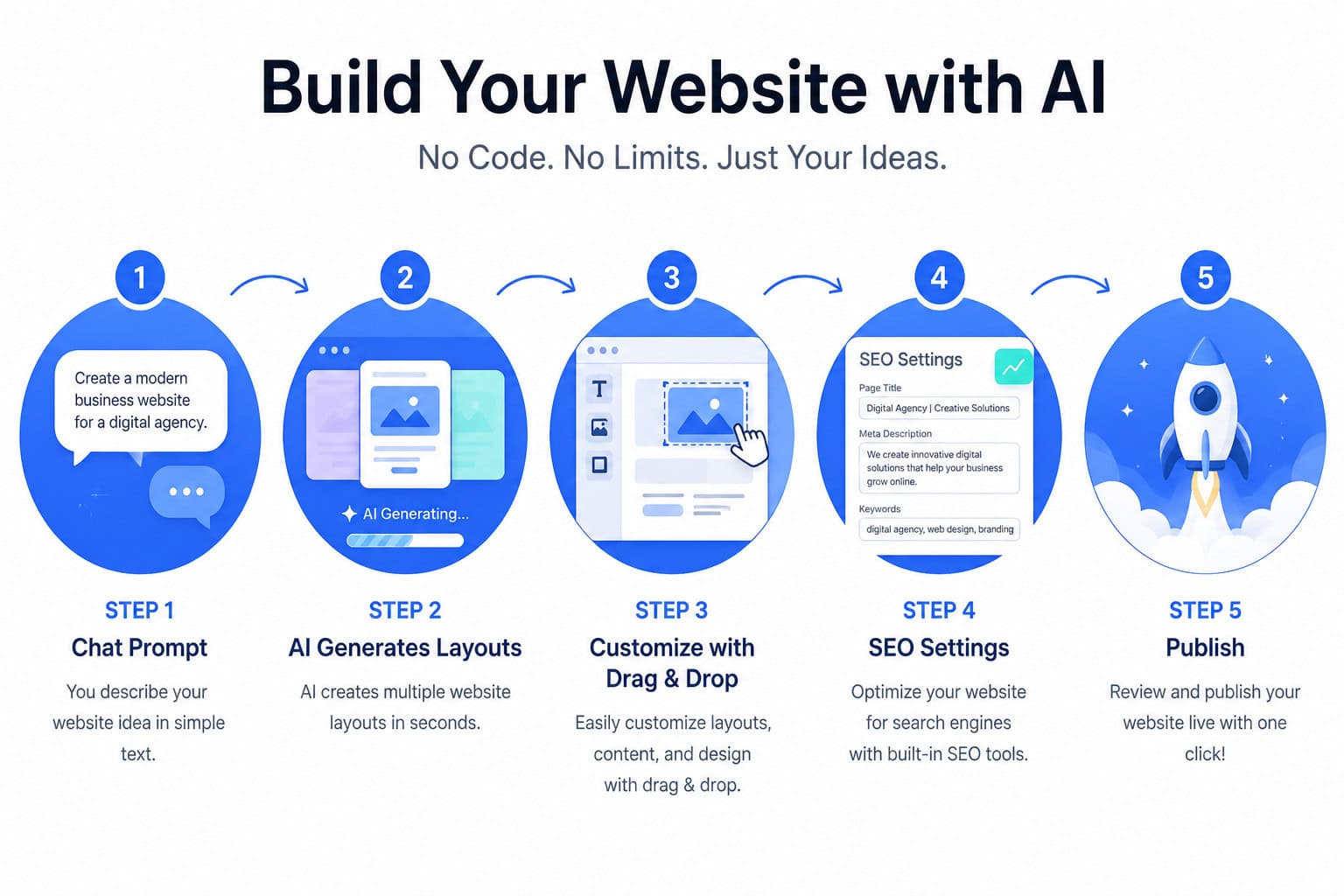
Most AI website builders follow a similar process. Here’s a practical walkthrough that applies across platforms.
Step 1: Describe your business Type 2–3 sentences about what your business does, who it serves, and what action you want visitors to take. The more specific you are, the better the output. Example: “I run a pet grooming studio in Austin targeting dog owners. I want people to book appointments online.”
Step 2: Answer style and goal questions Most platforms (especially Hostinger) ask follow-up questions about your preferred color style, tone of voice, and target audience. [1] This takes 2–5 minutes and significantly improves the generated design.
Step 3: Review generated variations The AI presents one or more complete website drafts. Scroll through each page — homepage, about, services, contact — and pick the version closest to what you want.
Step 4: Customize in the visual editor Swap images, edit copy, adjust colors, and reorder sections using the drag-and-drop interface. No code needed. This is where you make it feel like your brand.
Step 5: Configure SEO settings Add your page titles, meta descriptions, and connect Google Analytics. Most platforms auto-generate a sitemap. For Wix-specific SEO, see our guide on how to optimize your Wix site for better SEO performance.
Step 6: Connect your domain and publish Point your existing domain or register a new one. Butternut AI includes a free custom domain for the first year and SSL certificate automatically. [1] Then hit publish.
Common mistake: Skipping Step 2 and accepting the first draft without refinement. The AI’s first output is a starting point, not a finished product. Spend 30–60 minutes in the editor before going live.
What Features Should You Expect From a No-Code AI Builder?
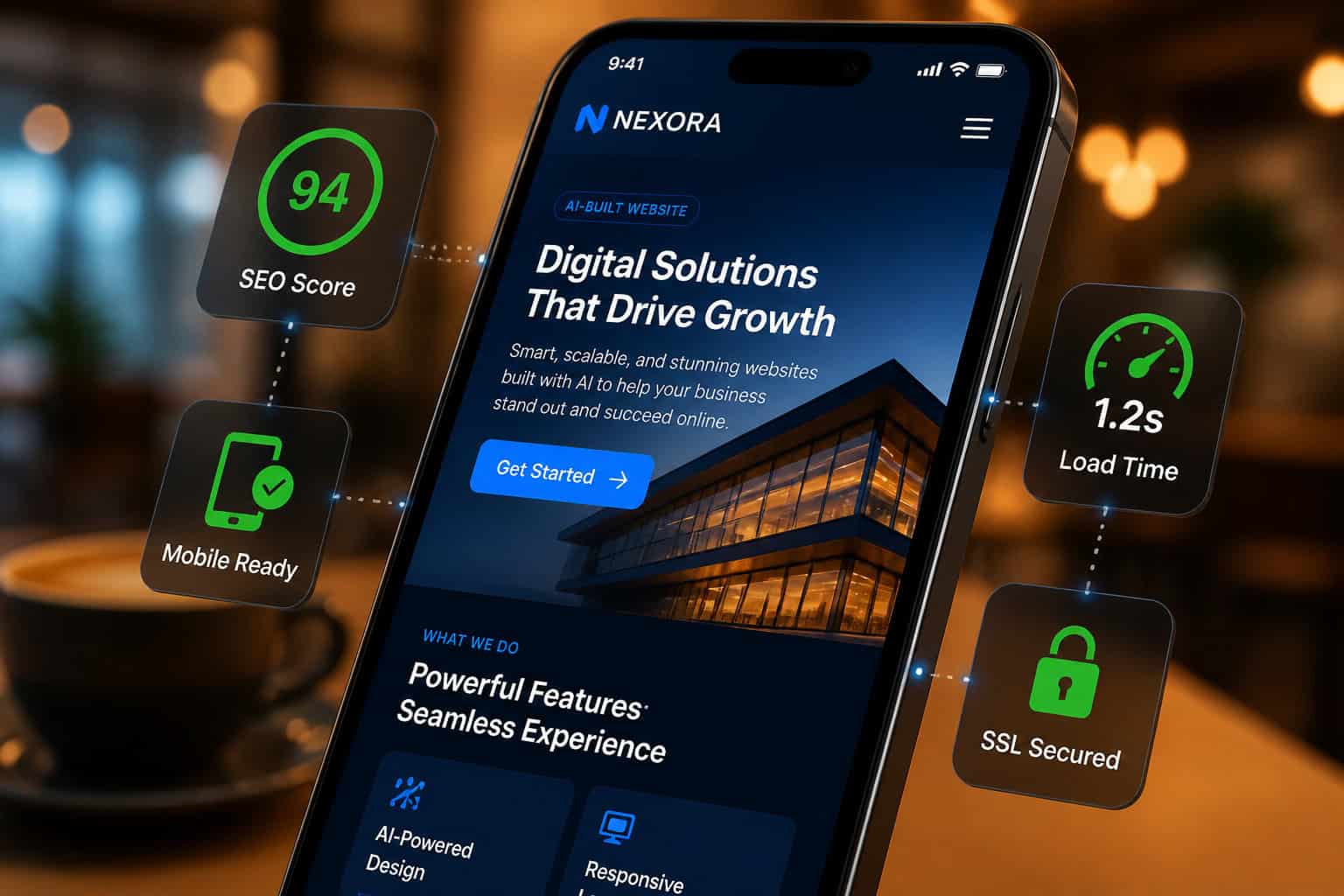
In 2026, these features are standard across all leading platforms — treat them as a baseline checklist, not differentiators. [1]
Baseline features (every platform should have these):
- ✅ Mobile-responsive design, auto-generated
- ✅ SSL certificate included
- ✅ Basic SEO tools (meta tags, sitemap)
- ✅ AI-generated copy and image suggestions
- ✅ Visual drag-and-drop editor
- ✅ Custom domain connection
Premium features (vary by platform and plan):
- 📊 Built-in analytics and heatmaps
- 📧 Email marketing integration (Hostinger Reach is a strong example) [1]
- 🛒 E-commerce with payment processing
- 🔍 Competitor analysis and industry-specific content generation [1]
- 🎬 Animation and motion design (Framer specializes here)
- 🔌 Third-party app integrations (Google Ads, Meta Pixel, etc.)
Edge case to watch: If you need a membership site, complex booking system, or multi-vendor marketplace, most AI builders will hit their limits. In those cases, WordPress with specific plugins — or a custom build — is the more honest answer. You can explore AI-powered content optimization tools to complement whatever platform you choose.
Revolutionize Your Online Presence: The Ultimate Guide to No-Code AI Website Builders — SEO and Performance
No-code AI builders are genuinely competitive on SEO in 2026, but there are real gaps to understand.
What AI builders handle automatically:
- Page titles and meta descriptions (AI-generated, editable)
- XML sitemaps submitted to search engines
- Mobile optimization (Google’s primary ranking signal)
- Image alt text suggestions
- Basic page speed optimization
What you still need to manage manually:
- Keyword research and intentional content strategy
- Internal linking structure
- Backlink building
- Schema markup for rich results (available on some platforms, not all)
Wix, Webflow, and WordPress all have strong SEO toolsets. Webflow in particular gives you fine-grained control — see this Webflow SEO optimization guide for specifics.
Performance note: Butternut AI includes automated SEO with meta tags and sitemaps pre-configured at launch. [1] Hostinger bundles Google Analytics and Meta Pixel integrations directly into its dashboard. [1] These reduce setup time but don’t replace a content strategy.
Decision rule: If organic search traffic is your primary growth channel, choose Webflow or WordPress over simpler AI builders. If you just need a credible web presence with basic SEO, any of the top platforms will do the job.
What Are the Real Limitations of No-Code AI Website Builders?
No-code AI builders are genuinely powerful for most standard websites, but they have clear limits. Understanding these upfront saves frustration.
Honest limitations:
Design uniqueness: AI-generated sites often share visual DNA with thousands of other sites on the same platform. If your brand requires a truly distinctive look, you may need a designer.
Complex functionality: Custom calculators, advanced membership systems, real-time data dashboards, and multi-step workflows typically require code or specialized platforms.
Content quality: AI-generated copy is a starting point, not a finished product. It needs editing for accuracy, tone, and SEO intent.
Vendor lock-in: Most platforms don’t let you export clean code. If you want to switch platforms later, you’re often rebuilding from scratch.
Scalability ceiling: High-traffic sites with complex content architecture (thousands of pages, multiple languages, advanced filtering) may outgrow what no-code tools can handle cleanly.
When to use a developer instead:
- You need custom API integrations with proprietary systems
- Your e-commerce operation has complex inventory, tax, or shipping logic
- You require HIPAA, SOC 2, or other compliance-level security configurations
If you’re on WordPress and want to extend functionality without full custom development, WordPress plugin development best practices can bridge the gap.
How Much Do No-Code AI Website Builders Cost?
AI website builders are accessible at almost every budget level. Here’s a realistic breakdown.
Free tiers: Wix, Framer, and Butternut AI all offer free plans. These typically include platform branding on your domain (e.g., yoursite.wixsite.com) and limited storage. Fine for testing, not for a professional presence.
Entry paid plans ($3–$10/month): Remove platform branding, connect a custom domain, and unlock basic e-commerce. Hostinger starts around $3/month. [1]
Mid-tier plans ($10–$20/month): Add e-commerce features, more storage, priority support, and advanced SEO tools. This is the right tier for most small businesses.
Professional plans ($20–$30/month): Full e-commerce, team collaboration, advanced analytics, and API access. Webflow’s professional plans fall here. [1]
Compare this to alternatives:
- Freelance developer for a basic site: $1,500–$5,000 one-time
- Web agency for a custom site: $10,000–$50,000+
- Maintaining a developer on retainer: $2,000–$8,000/month
For most small businesses, a $15/month AI builder plan delivers 80–90% of what a $5,000 custom site would, for a fraction of the cost.
FAQ
Q: Can I really build a professional website with no technical skills? Yes. In 2026, platforms like Wix ADI, Hostinger, and Butternut AI are specifically designed for users with zero coding experience. You answer questions or type a description, and the AI generates a complete, functional site. [1]
Q: How long does it actually take to build a site with an AI builder? Butternut AI generates a complete multi-page site in under 60 seconds. [1] Realistically, plan 2–4 hours total to review the AI output, customize your content, configure SEO, and connect your domain.
Q: Are AI-generated websites good for SEO? They’re competitive for basic SEO. All leading platforms include mobile optimization, meta tags, and sitemaps automatically. [1] However, ranking well still requires a content strategy, keyword research, and backlinks — the AI doesn’t handle those for you.
Q: What’s the difference between Wix ADI and Webflow? Wix ADI is designed for beginners and prioritizes ease of use. Webflow targets designers and agencies who need professional-grade control over layout, animations, and CMS structure. Webflow has a steeper learning curve but produces more distinctive results.
Q: Can I switch platforms later if I outgrow my AI builder? Most platforms don’t export clean, portable code. Switching usually means rebuilding. Choose a platform with room to grow from the start rather than planning to migrate later.
Q: Is WordPress still relevant with AI builders available? Yes. WordPress is deeply integrating AI in 2026, including voice command site creation, smart plugin management, and advanced SEO tools. [3] For content-heavy or highly scalable sites, it remains the strongest option.
Q: Do AI builders include hosting? Yes. All major AI website builders include hosting in their plans. Butternut AI also includes SSL and a free custom domain for the first year. [1]
Q: What happens if the AI-generated content is inaccurate? Always review and edit AI-generated copy before publishing. The AI works from your description and general knowledge — it can make errors about specific products, pricing, or business details. Treat it as a first draft.
Q: Are these platforms secure? Yes, for standard use. SSL is standard, and major platforms (Wix, Webflow, Hostinger) maintain enterprise-grade infrastructure. For compliance-sensitive industries (healthcare, finance), verify specific certifications before committing.
Q: Can I add e-commerce to an AI-built site? Yes. Most platforms support e-commerce at mid-tier plan levels. For complex stores with large inventories or custom checkout flows, Shopify or WooCommerce (on WordPress) are stronger dedicated options.
Q: How does Chariot AI differ from other builders? Chariot AI uses a chat-first approach where you describe changes in plain language and the AI applies them iteratively. It handles all infrastructure including domain setup and deployment, making it one of the fastest paths from idea to live site. [1]
Q: Is there a free AI website builder worth using? Framer, Wix, and Butternut AI all have usable free tiers. They’re good for prototyping or low-stakes projects. For a business site, the $10–$17/month paid plans are worth it to remove platform branding and unlock proper SEO tools.
Conclusion: Your Next Steps
No-code AI website builders have genuinely changed what’s possible for non-technical users. A professional, mobile-ready, SEO-configured website is now a realistic afternoon project — not a months-long development engagement.
Here’s how to move forward:
- Define your goal first. Are you building a portfolio, a lead generation site, a blog, or an online store? Your answer determines which platform fits.
- Match platform to use case. Use the comparison table in this guide. Don’t pick the most popular tool — pick the right one for your situation.
- Start with a free trial. Wix, Framer, and Butternut AI all let you test before paying. Build a draft before committing to a plan.
- Invest 30 minutes in customization. The AI gives you a foundation. Your edits — real copy, real images, accurate business details — are what make it professional.
- Set up SEO from day one. Connect Google Search Console, write your own meta descriptions, and plan at least 4–6 pages of genuine content.
- Revisit your platform choice at 12 months. If you’re hitting limits, you’ll know. Most platforms make it straightforward to upgrade plans; switching platforms is harder, so plan ahead.
The tools covered in this guide — and the broader category of AI website creators that build professional sites without code — are mature enough in 2026 to serve most small and mid-sized business needs. The question isn’t whether to use one. It’s which one fits your specific situation.
References
[1] AI Website Builders – https://www.digitalocean.com/resources/articles/ai-website-builders [2] Best No Code Website Builder Platforms – https://www.weweb.io/blog/best-no-code-website-builder-platforms [3] The Best AI Website Builders – https://www.sheai.co/blog/the-best-ai-website-builders [4] Best AI Website Builders – https://titan.email/best-ai-website-builders/ [6] Best No Code Website Builders – https://www.toools.design/best-no-code-website-builders [7] Best AI Website Builder – https://zapier.com/blog/best-ai-website-builder/