Last updated: May 11, 2026
Quick Answer: Base44 is a browser-based AI app builder that doesn’t require a traditional APK download for most users. The official Android app is available on the Google Play Store [1], and the platform itself runs entirely in your web browser [2]. Downloading Base44 APK files from third-party sources carries significant security risks, especially given a critical authentication bypass vulnerability disclosed in July 2025 [6].
Key Takeaways
- Base44 is primarily a web-based platform; no APK sideloading is needed for core functionality [2]
- The official Android app is on Google Play Store, last updated April 28, 2026 [1]
- A critical security flaw was patched within 24 hours in July 2025 after Wiz researchers found unauthorized access was possible using only an app’s public ID [6]
- Third-party APK downloads expose you to malware, data theft, and unpatched vulnerabilities
- Base44 lacks built-in authentication infrastructure and compliance features for enterprise use [7]
- Alternatives like Zite ($15/month) and Lovable ($21/month) offer stronger security foundations [7]
- Always verify APK signatures and use official sources when downloading any Android application
What Is Base44 and Why Are People Searching for Its APK?
Base44 is an AI-powered “vibe coding platform” that lets users create functional applications by describing what they want in plain language [1][2]. It runs in your browser and requires no local installation or complex setup.
So why are people searching for a Base44 APK? A few reasons:
- Offline access: Some users want to use Base44 features without a constant internet connection
- Regional restrictions: The Play Store listing may not be available in all countries
- Version control: Users sometimes want older or specific versions of the app
The official Google Play Store listing describes Base44 as letting you “create fully functional apps using just your words in minutes [1]. For most users, this is the only download source you should consider.
How to Download and Install Base44 APK Securely: Step-by-Step
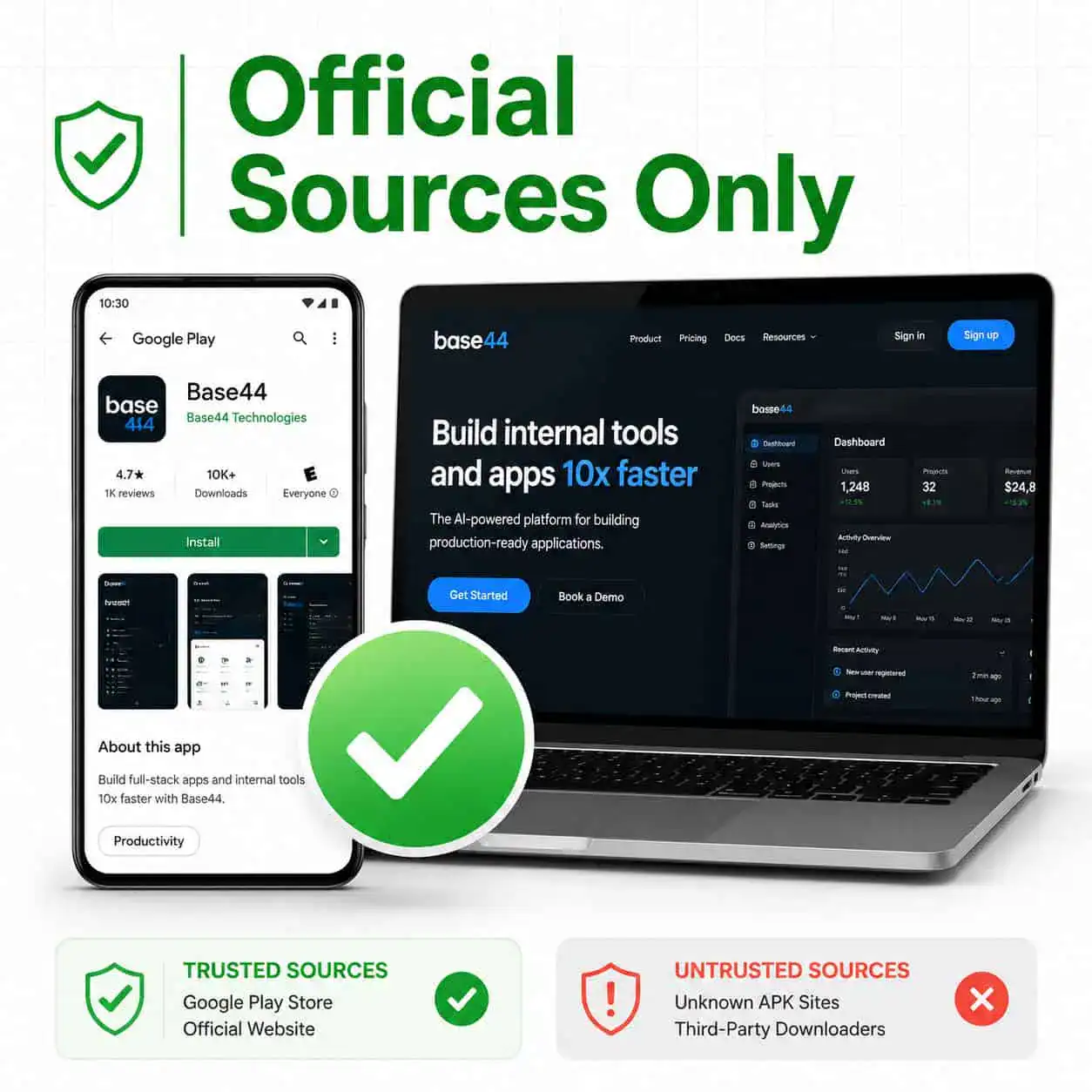
If you need the Android app, here’s the safest approach. The official method doesn’t involve APK sideloading at all.
Method 1: Google Play Store (Recommended)
- Open the Google Play Store on your Android device
- Search for “Base44 AI App Builder”
- Verify the developer name matches the official Base44 team
- Tap “Install” and wait for the download to complete
- Open the app and sign in with your Base44 account
Method 2: Official Website Access (No Download Needed)
Since Base44 operates as a browser-based platform [2], you can:
- Open Chrome or any modern browser on your phone
- Navigate to base44.com
- Log in or create an account
- Start building apps directly in your browser
Method 3: APK from Trusted Mirrors (Higher Risk)
If you absolutely must sideload an APK (for example, your device lacks Play Store access):
- Enable “Install from Unknown Sources” in your Android settings (Settings > Security > Unknown Sources)
- Download only from reputable mirrors like CNET’s download section [3]
- Verify the file hash before installing — compare it against known checksums
- Run the APK through a virus scanner (VirusTotal is free and effective)
- Install and immediately check for updates
Common mistake: Downloading APKs from random forums or file-sharing sites. These files are frequently repackaged with malware.
If you’re working on web projects alongside mobile apps, understanding how to optimize your site for better SEO performance can complement your Base44 development workflow.
Why the July 2025 Security Vulnerability Matters for APK Users
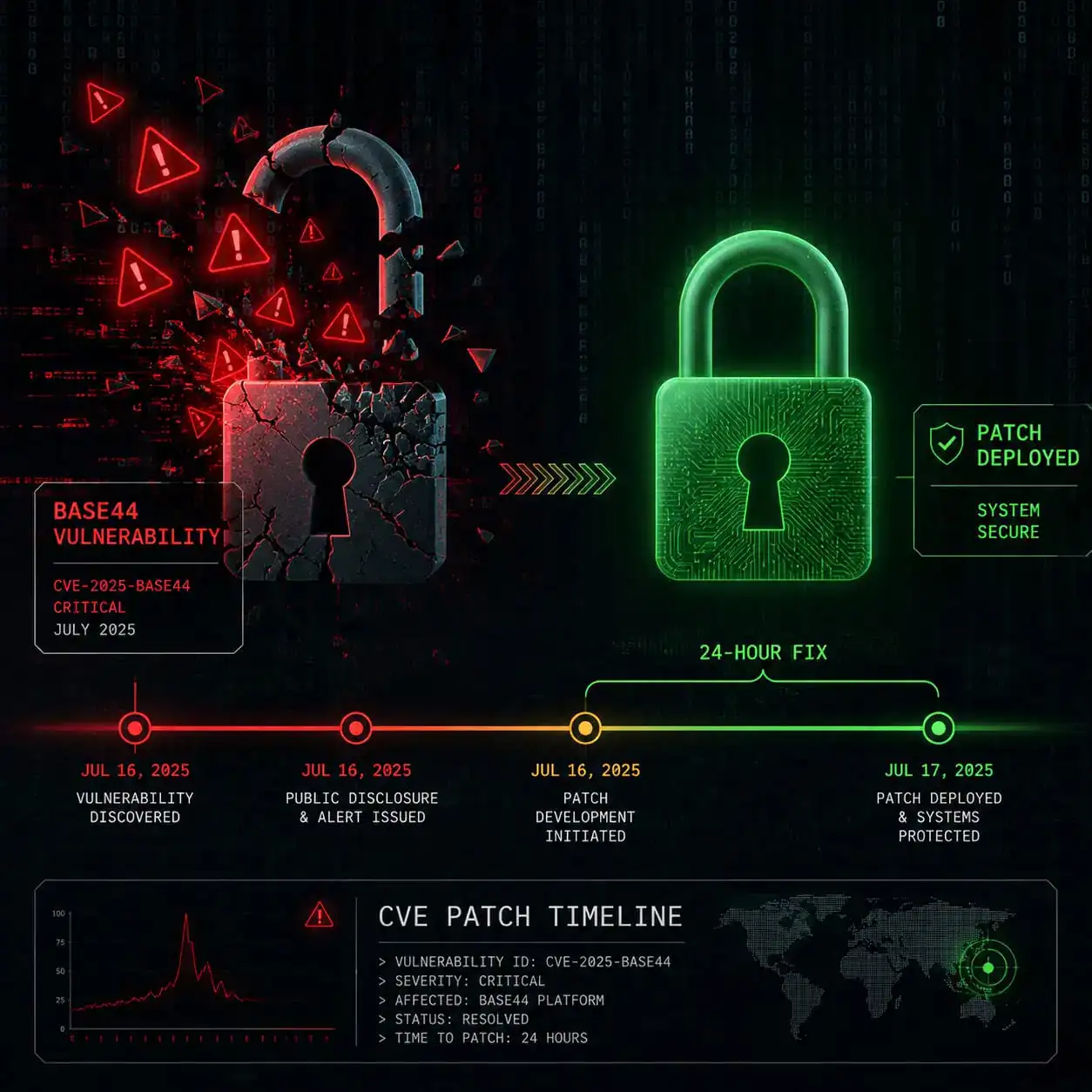
This is the most important section of this guide. In July 2025, Wiz security researchers discovered a critical authentication bypass flaw in Base44 that affected private enterprise applications [6][9].
What Happened
Two unauthenticated API endpoints were exposed:
api/apps/{app_id}/auth/registerapi/apps/{app_id}/auth/verify-otp
These allowed attackers to bypass SSO protections and access private applications using only an app’s non-secret “app_id” value [9]. The exposed data included sensitive HR records, PII, and operational information.
The Response
Wix (Base44’s parent company) patched the vulnerability within 24 hours of responsible disclosure on July 9, 2025, with no evidence of malicious exploitation in the wild [6].
Security researcher Gal Nagli from Wiz stated: “This vulnerability meant that private applications hosted on Base44 could be accessed without authorization” [6].
What This Means for APK Downloads
If you download an outdated APK from a third-party source, you might be running a version that:
- Contains the unpatched vulnerability
- Connects to endpoints without proper authentication
- Exposes your data to interception
Decision rule: If you downloaded a Base44 APK before July 2025 from any source, delete it and get the current version from Google Play [1].
For those building applications that handle sensitive data, understanding AI-powered content optimization practices can help you make better platform choices.
Is Base44 Safe for Production Applications?
The short answer: not yet for enterprise-grade deployments. Base44 works well for prototyping and simple apps, but has documented limitations for production use.
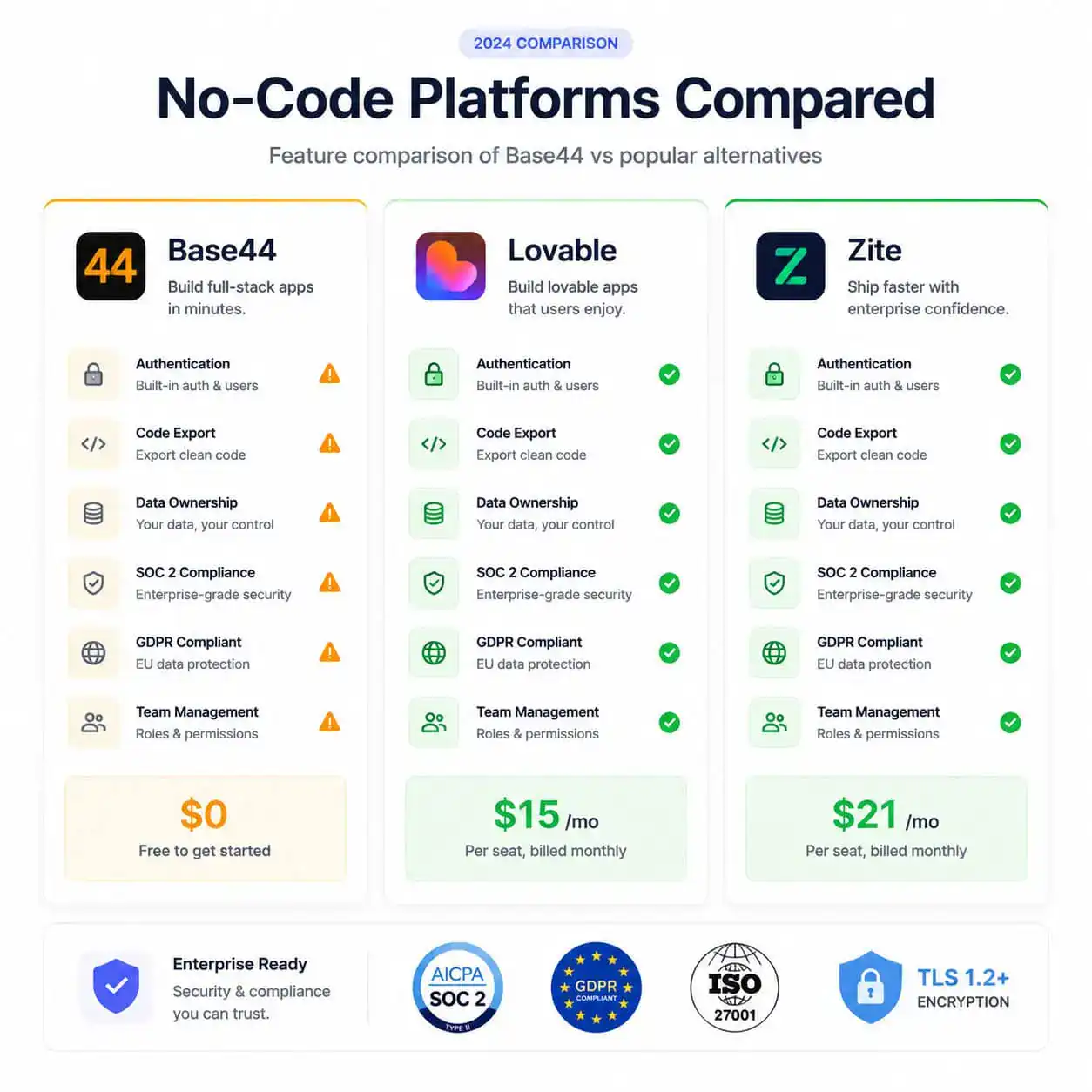
| Feature | Base44 | Zite | Lovable |
|---|---|---|---|
| Price | Free tier available | $15/month | $21/month |
| SOC 2 Compliance | No | Yes (Type 2) | No |
| Code Export | Limited | Yes | Yes (GitHub) |
| Built-in Auth | No [7] | Yes | Yes (Supabase) |
| Audit Logs | No | Yes | Limited |
| Vendor Lock-in | High | Low | Low |
According to industry analysis, Base44 “struggles as app logic grows more complex” and “lacks authentication infrastructure, granular permissions, compliance features, and audit logs” for production deployment [7].
The platform keeps apps “locked in their ecosystem” with limited code export capabilities [7]. Base44’s exported code isn’t compatible with Android or iOS without replacing all backend APIs, because “database calls, authentication, and data handling are tied to Base44’s proprietary backend [7].
What Are the Risks of Downloading APKs from Unofficial Sources?
Every APK downloaded outside the Play Store carries inherent risks. Here’s what can go wrong:
- Malware injection: Attackers repackage legitimate APKs with trojans, keyloggers, or ransomware
- Data harvesting: Modified APKs can silently collect contacts, messages, and credentials
- No automatic updates: You miss critical security patches like the July 2025 fix
- Broken functionality: Unofficial builds may have removed or altered features
- Legal exposure: Distributing modified APKs may violate terms of service
Choose official sources if: You handle any personal data, use the app for business, or lack technical skills to verify file integrity.
Consider sideloading only if: Your device genuinely cannot access Google Play, you can verify the APK hash, and you accept the additional risk.
For broader context on building secure web applications, our guide on no-code website design platforms covers alternatives with stronger security foundations.
How to Verify an APK File Before Installing
If you must install from outside the Play Store, follow this verification checklist:
- Check the file size — compare it to the official Play Store listing size. Major differences indicate tampering.
- Scan with VirusTotal — upload the APK to virustotal.com before installing. Wait for all 60+ engines to report.
- Verify the certificate — use
apksigner verify --print-certs filename.apkon a computer to check the signing certificate matches Base44’s official cert. - Review permissions — install an APK analyzer app. If Base44 suddenly requests SMS, call, or admin permissions it shouldn’t need, don’t install.
- Check the download source reputation — CNET [3], APKMirror, and APKPure have editorial review processes. Random download sites do not.
Understanding WordPress plugin development best practices applies similar security principles — always verify sources and check for known vulnerabilities before installing anything.
What Alternatives Exist If Base44 Doesn’t Meet Your Needs?
Based on the security concerns and platform limitations documented above, here are alternatives worth considering:
Zite — Starting at $15/month, offers SOC 2 Type 2 compliance, built-in authentication, and unlimited users/apps [7]. Best for teams needing production-ready security.
Lovable — At $21/month, provides GitHub export and Supabase integration [7]. Best for developers who want code ownership and the ability to migrate away from the platform.
Traditional development — If your app handles sensitive data (healthcare, finance, HR), building with established frameworks gives you full control over security architecture.
For design-focused workflows that complement app building, explore our resources on Figma for web design and AI website creators.
FAQ
Q: Does Base44 have an official APK download page? A: No. Base44’s official Android app is distributed through the Google Play Store [1]. The platform itself is browser-based and requires no APK [2].
Q: Is it legal to download Base44 APK from third-party sites? A: Downloading the unmodified APK is generally legal, but redistributing it may violate Base44’s terms of service. Modified versions are almost certainly unauthorized.
Q: Was the July 2025 vulnerability exploited in the wild? A: According to the disclosure, there was no evidence of malicious exploitation before the patch was applied within 24 hours [6].
Q: Can I build Android apps with Base44 and export them as APKs? A: Base44’s exported code isn’t directly compatible with Android without replacing all backend APIs tied to their proprietary system [7].
Q: Is Base44 owned by Wix? A: Yes. Wix is Base44’s parent company and was responsible for the rapid patch response in July 2025 [6].
Q: What Android version does Base44 require? A: Check the current requirements on the Google Play Store listing [1], as minimum version requirements change with updates.
Q: Should I use Base44 for apps that handle personal data? A: Exercise caution. Base44 lacks granular permissions, compliance features, and audit logs needed for sensitive data handling [7].
Q: How often is the Base44 Android app updated? A: The most recent update was April 28, 2026 [1]. Update frequency varies.
Q: Can I use Base44 without creating an account? A: No. Base44 requires account registration to use its app-building features [2].
Q: What’s the difference between Base44’s web app and Android app? A: The web app is the full platform for building apps. The Android app provides mobile access to manage and view your created applications [1][2].
Conclusion
The safest way to use Base44 in 2026 is through its official channels: the browser-based platform at base44.com [2] or the Google Play Store Android app [1]. Sideloading APKs from unofficial sources introduces unnecessary risk, especially given the platform’s documented security history.
Your next steps:
- If you already have a third-party Base44 APK installed, uninstall it and get the official version from Google Play
- For enterprise or production use, evaluate whether Base44’s current security posture meets your requirements — consider Zite or Lovable if it doesn’t [7]
- Stay informed about platform security updates by following Base44’s official communications
- Never install APKs without verifying their integrity through hash checking and malware scanning
The broader lesson here applies to all AI-powered development platforms: convenience and speed don’t override the need for basic security practices. Build fast, but build safely.
References
[1] Details – https://play.google.com/store/apps/details?id=com.base44.android&hl=en_US [2] base44 – https://base44.com [3] 3000 Android Base44 Ai App Builder – https://download.cnet.com/base44-ai-app-builder/3000-android-base44-ai-app-builder.html [6] Wiz Uncovers Critical Access Bypass – https://thehackernews.com/2025/07/wiz-uncovers-critical-access-bypass.html [7] Base44 Alternative – https://www.zite.com/blog/base44-alternative [9] Flaw In Vibe Coding Platform Base44 Exposed Private Enterprise Applications – https://www.securityweek.com/flaw-in-vibe-coding-platform-base44-exposed-private-enterprise-applications/


